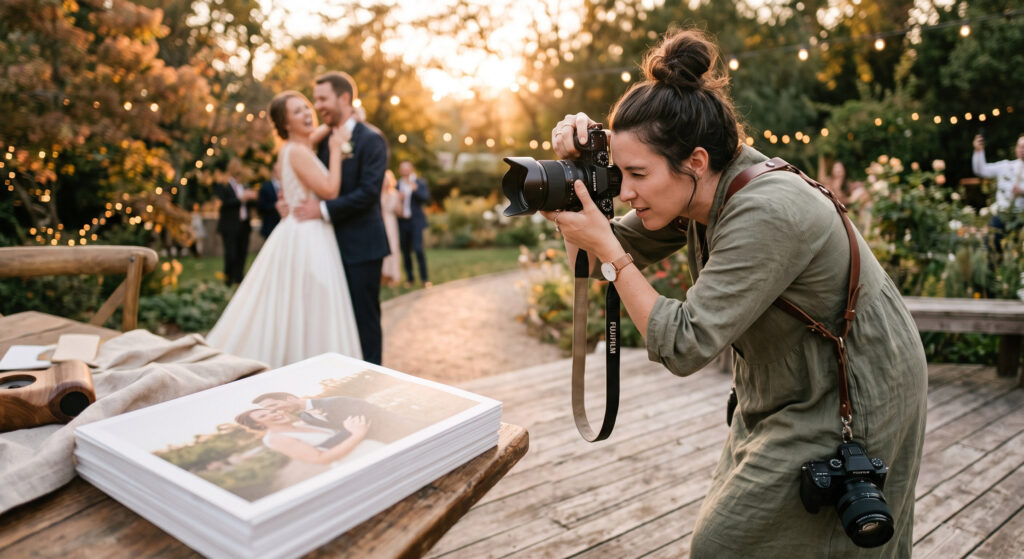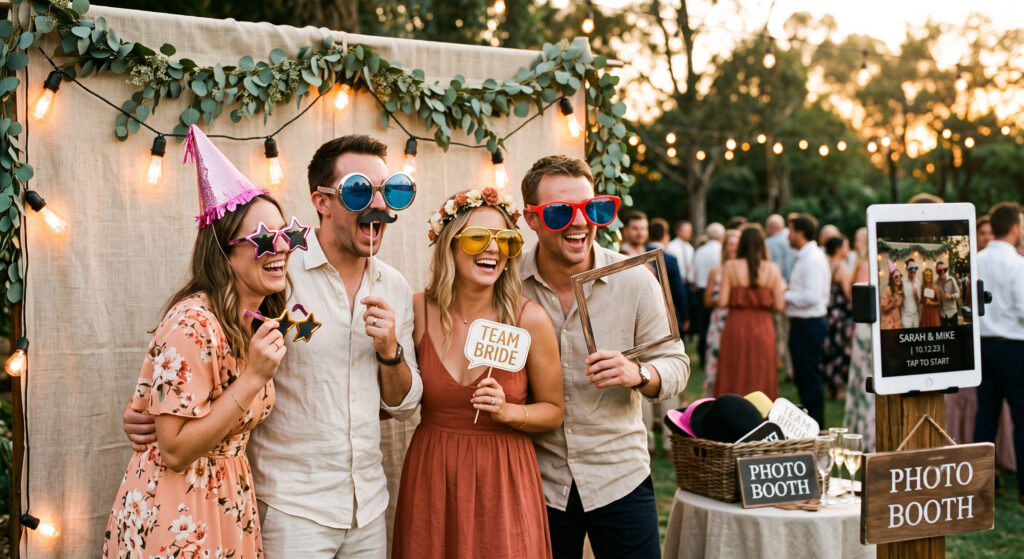
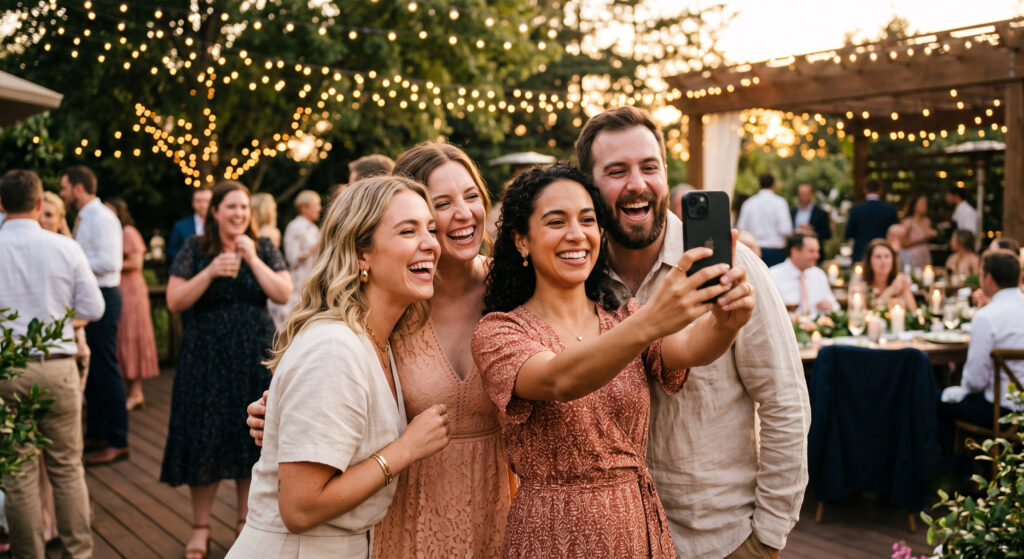
Every wedding has two very different photo collections happening simultaneously. There’s the official one — the photographer’s curated, carefully composed gallery delivered weeks later. And then there’s the invisible one: the hundred small, unplanned moments captured on a hundred different guest phones throughout the day, most of which the couple will never see, because there’s never been an easy, obvious way for guests to actually share them.
Wedbox’s guest photo upload feature exists to close that gap — and understanding why it matters requires looking closely at what actually happens (and doesn’t happen) with guest-captured photos at a typical wedding.
The Problem With “Just Ask Guests to Send Photos”
Almost every couple has, at some point, said some version of “we’ll just ask everyone to send us their photos afterward.” In practice, this well-intentioned plan runs into a handful of very predictable problems.
There’s no single destination. A verbal request made during the reception doesn’t specify where photos should go. Do guests text them? Email them? Post and tag the couple on social media? Without one clear, agreed-upon place, photos scatter across five different platforms — and many simply never make the journey at all.
The moment passes and so does the intention. In the days following a wedding, guests return to ordinary life, and the mental note to “send those photos over” competes with everything else demanding their attention. Good intentions fade fast without a frictionless way to follow through immediately.
Quality degrades through casual sharing channels. A photo forwarded through a text message thread, then screenshotted, then reposted, loses resolution at every step. What started as a sharp, high-quality image often arrives — if it arrives at all — visibly compressed and diminished.
The best candid shots come from unexpected people. It’s rarely just the wedding party capturing great moments. Often it’s a coworker, a distant cousin, or a childhood friend who happened to catch something genuinely special — and these are exactly the guests least likely to think to seek the couple out afterward with their photos.
What Instant, Frictionless Upload Actually Solves
Removing the Download Barrier Entirely
The single biggest reason guest photo sharing typically fails is friction — and the biggest source of friction is asking someone to download a new app in the middle of a wedding they’re trying to enjoy. Wedbox’s guest upload feature sidesteps this entirely by allowing guests to upload directly from their phone’s browser, using nothing more than a simple web link.
This matters enormously for a specific, often-overlooked group: older guests, or anyone simply less inclined to download unfamiliar apps. A grandparent who would never install a new photo-sharing app without help can still participate fully, because there’s nothing to install — just a link to tap and a photo to upload.
The QR Code as a Physical Bridge to a Digital Album
Placing a QR code somewhere visible — a small sign at the welcome table, printed on a place card, displayed near the guest book — turns a purely digital feature into something guests physically encounter and act on in the moment, rather than something they need to be verbally reminded about later.
This is a meaningfully different psychological trigger than “please send us your photos” announced once during a toast. A QR code sitting on a table is a passive, always-available invitation. Guests scan it whenever it occurs to them — arriving at the venue, during cocktail hour, mid-reception — rather than needing to remember a one-time verbal request hours or days later.
Real-Time Upload Changes the Behavior Itself
There’s a subtle but important behavioral shift that happens when guests know their photos are going somewhere immediately, rather than sitting on their camera roll until “later.” Guests who know an upload takes ten seconds are far more likely to actually do it, in the moment, while the photo is still fresh in their mind — compared to guests who mentally file it under “things to deal with eventually,” a category with a notoriously low completion rate.
This is precisely why instant, frictionless upload isn’t just a convenience feature — it’s the mechanism that actually determines whether guest photos get captured at all, versus quietly disappearing into hundreds of individual, forgotten camera rolls.
Automatic Organization Solves the Problem Nobody Thinks About Until It’s Too Late
Even when guest photos do successfully make it into a shared space, a second problem often emerges: an unsorted flood of hundreds of images with zero context, arriving out of order, from multiple points across a multi-hour event. A photo album with no structure is genuinely difficult to enjoy or navigate later — you end up scrolling indefinitely, hunting for a specific moment.
Wedbox addresses this by automatically sorting guest uploads into relevant categories — ceremony, reception, party, or whatever custom sections a couple sets up in advance. This means the organizational work happens invisibly, as photos arrive, rather than requiring the couple to manually sort hundreds of images after the fact — a task substantial enough that many couples simply never get around to it, leaving a genuinely valuable photo collection effectively unusable.
Real-World Application: How This Plays Out at an Actual Wedding
Picture a wedding with roughly 150 guests. Ahead of time, the couple sets up their Wedbox album with categories for getting ready, ceremony, cocktail hour, reception, and late-night party, then places a simple QR code sign — matching their wedding’s color scheme — at the entrance and again near the guest book.
As guests arrive, several scan the code out of simple curiosity before the ceremony even begins, immediately gaining access to the shared album from their phone’s browser without downloading anything. During the ceremony itself, a handful of guests seated toward the back capture angles and reactions the official photographer — positioned at the front — has no access to. These upload within seconds, landing automatically in the “ceremony” category.
Later, during the reception, an aunt who’s never been particularly comfortable with new apps still manages to participate fully, having simply tapped the link from the printed QR code at her table, uploading a handful of candid shots from her seat throughout the evening without ever needing to “figure out” an app interface.
By the time the couple sits down to look through everything a few days later, they’re met not with an undifferentiated pile of 300 random images, but with a photo album already organized by the actual arc of their day — ceremony moments in one section, candid reception shots in another, late-night dance floor chaos in a third — all contributed by dozens of different guests, capturing perspectives no single photographer could have covered alone.
The Takeaway
The most complete wedding photo collection isn’t the one taken by the single best camera in the room — it’s the one that captures the day from every angle, contributed by everyone who was genuinely there to experience it. Removing the friction of downloads, giving guests an obvious, physical prompt to participate, and organizing everything automatically as it arrives is what actually makes that possible. Not as an aspiration couples hope will happen if they remember to ask — but as something that simply, quietly happens throughout the day, because the easiest path was also the right one.